


Create a 10s After Effects animation using 3D extrusion to model and rotate objects. The project focuses on keyframing and lighting to showcase form, depth, and motion.


I began by sketching a storyboard to explore how to animate 3D objects with rotation and motion in After Effects. My concept involved two geometric objects interacting through collision, requiring an understanding of free-fall and bounce physics. I studied motion references to plan realistic trajectories and timing, ensuring that the camera and object movements worked together smoothly in a 3D environment.
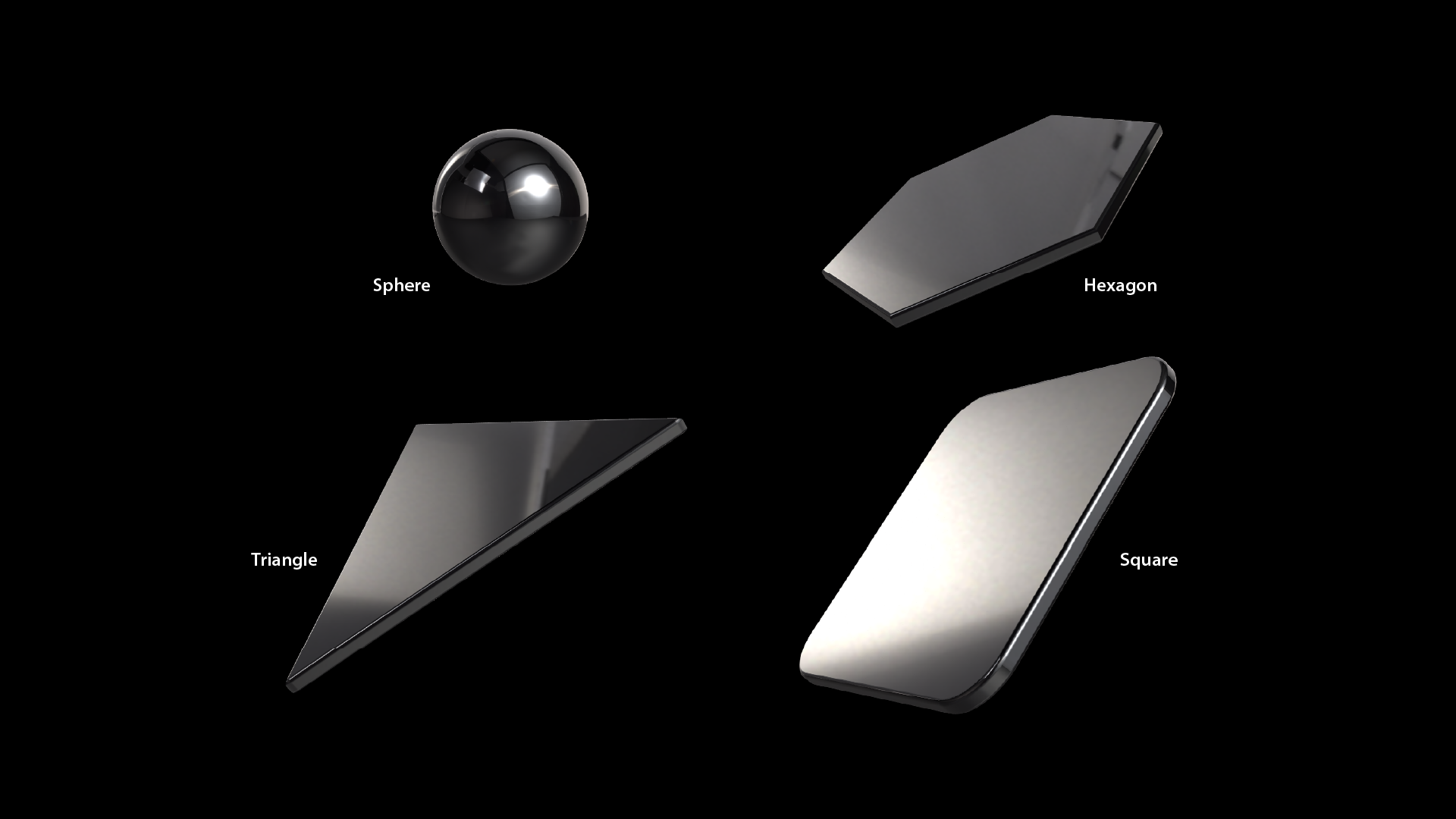
I created 4 different 3D shapes: sphere, triangle, square, and hexagon with highly reflective surfaces to showcase lighting effects. By using reflections, I explored how lighting direction and intensity affect object perception. I planned to assign each shape a solid color to enhance contrast and emphasize the lighting control within a clean and minimal 3D space.
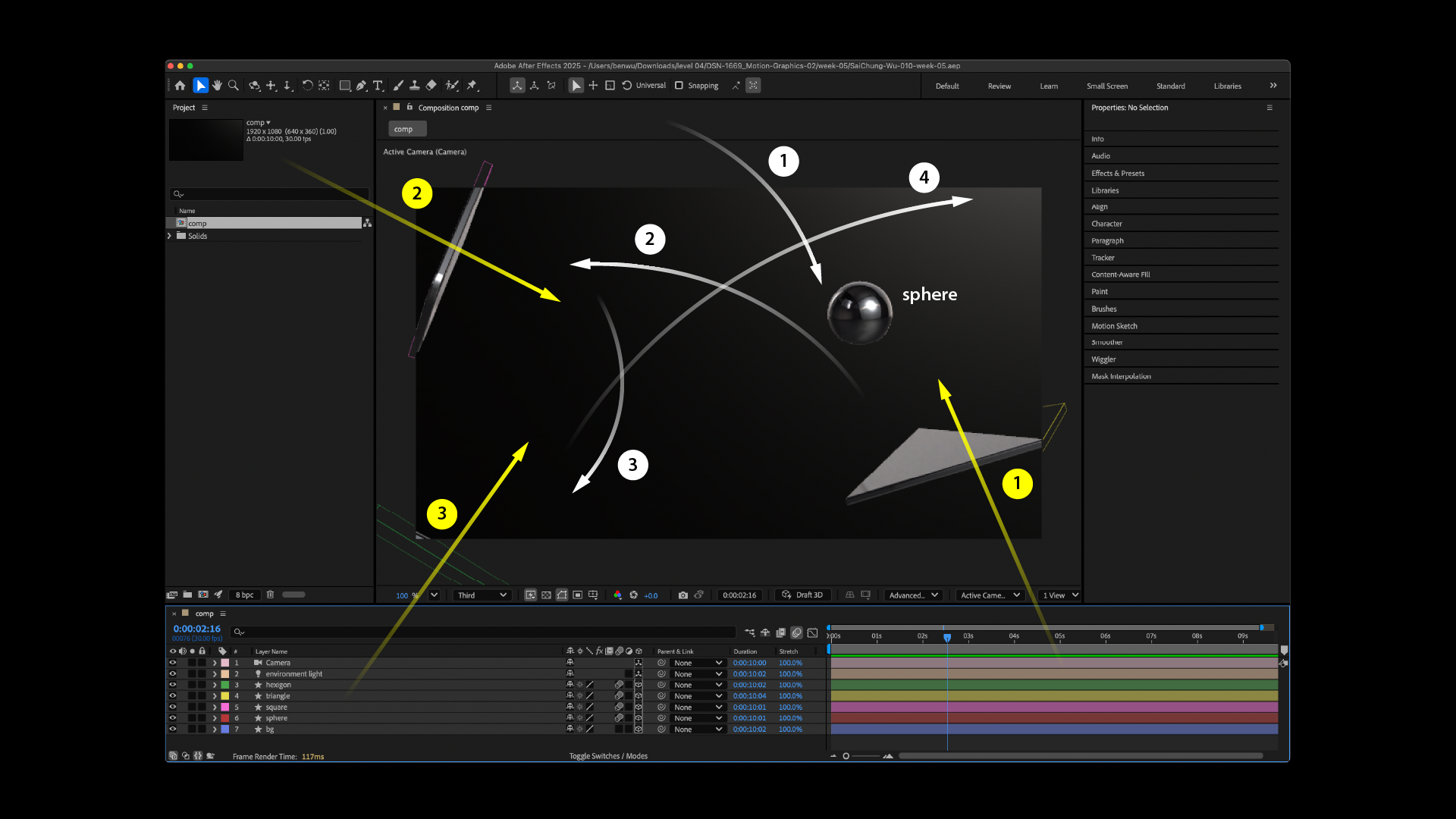
I placed all 3D objects inside the canvas, then positioned the camera based on my storyboard. After that, I added an environment layer and a single directional light to enhance depth and reflection. Once the setup was ready, I began animating each object along its motion path with rotation, matching the planned sequence.
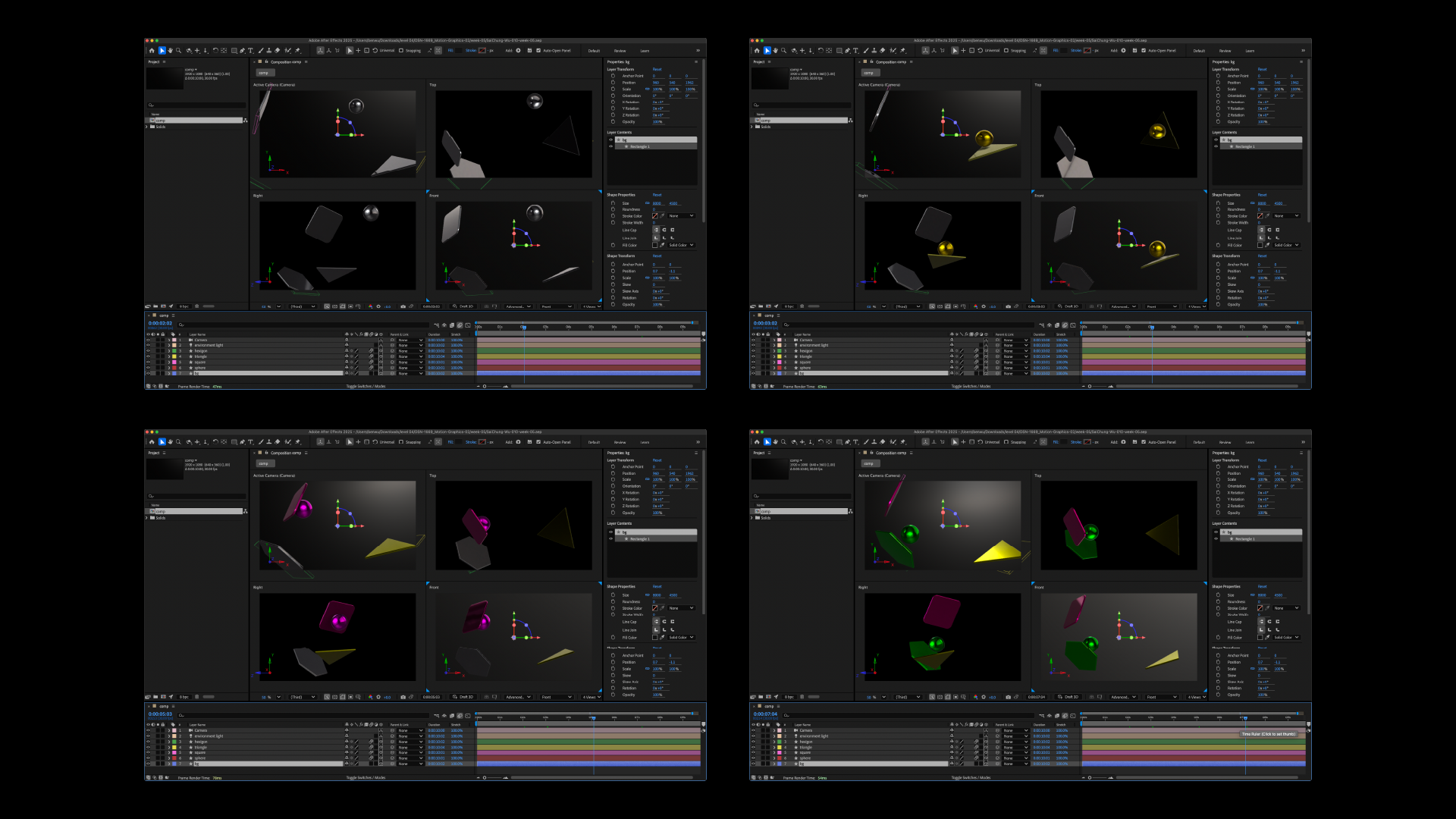
In the final step, I animated each object according to my storyboard. I manually keyframed their paths and rotations, carefully simulating realistic reactions when the shapes collide or interact. I always needed to open the 4-view windows in After Effects to fine-tune each movement in 3D space, making sure the motion paths were accurate and the animation stayed smooth.


